AI Video Analytics Software for Manufacturing
acty.dev's AI video analytics for manufacturers: camera-based AI capability spanning visual inspection, safety monitoring, people counting, license plate recognition, and equipment monitoring, plus counting of product, cargo, and stock, scoped to your production floor and existing camera infrastructure.
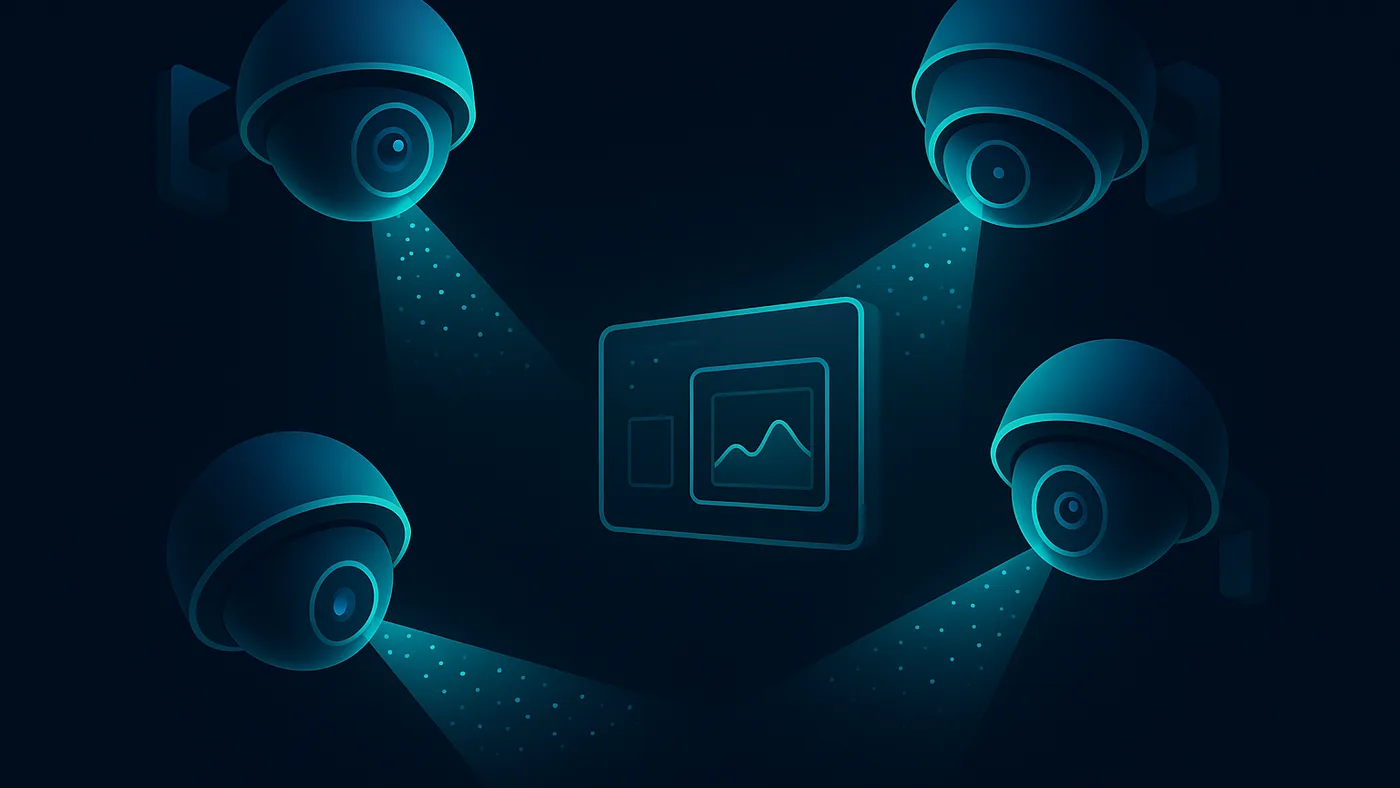
Six places on a manufacturing floor where a camera already watching the area can catch something specific and act on it: a defect at an inspection point, a real ignition source instead of routine welding sparks, a zone over its posted limit, a vehicle at the gate, a machine stopped and why, or stock that no longer matches the record.
Where it applies on the floor
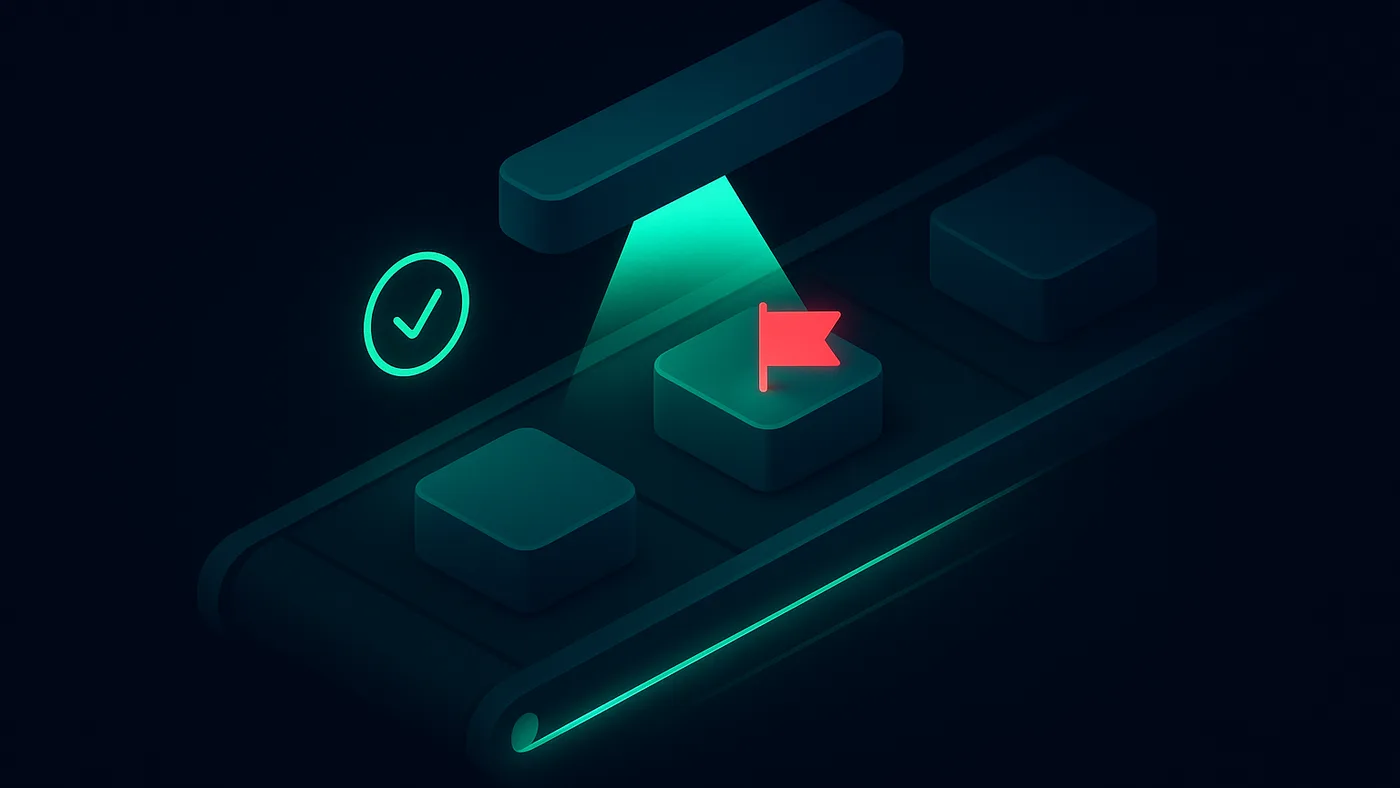
Visual inspection. On a metal parts line, machined pieces pass a dedicated inspection point where a scratch, cut, or stamped mark on the surface gets localized and sent to the line’s MES as an event. On a food packing line, the same idea applies further downstream: a slice out of position, or a pack heading for the checkweigher with a slice short, tells the line controller to pull or hold that unit. Either way, the flawed item is caught inside the plant, not after a shipment carrying it has gone out — see AI visual inspection for the full set of scenarios.
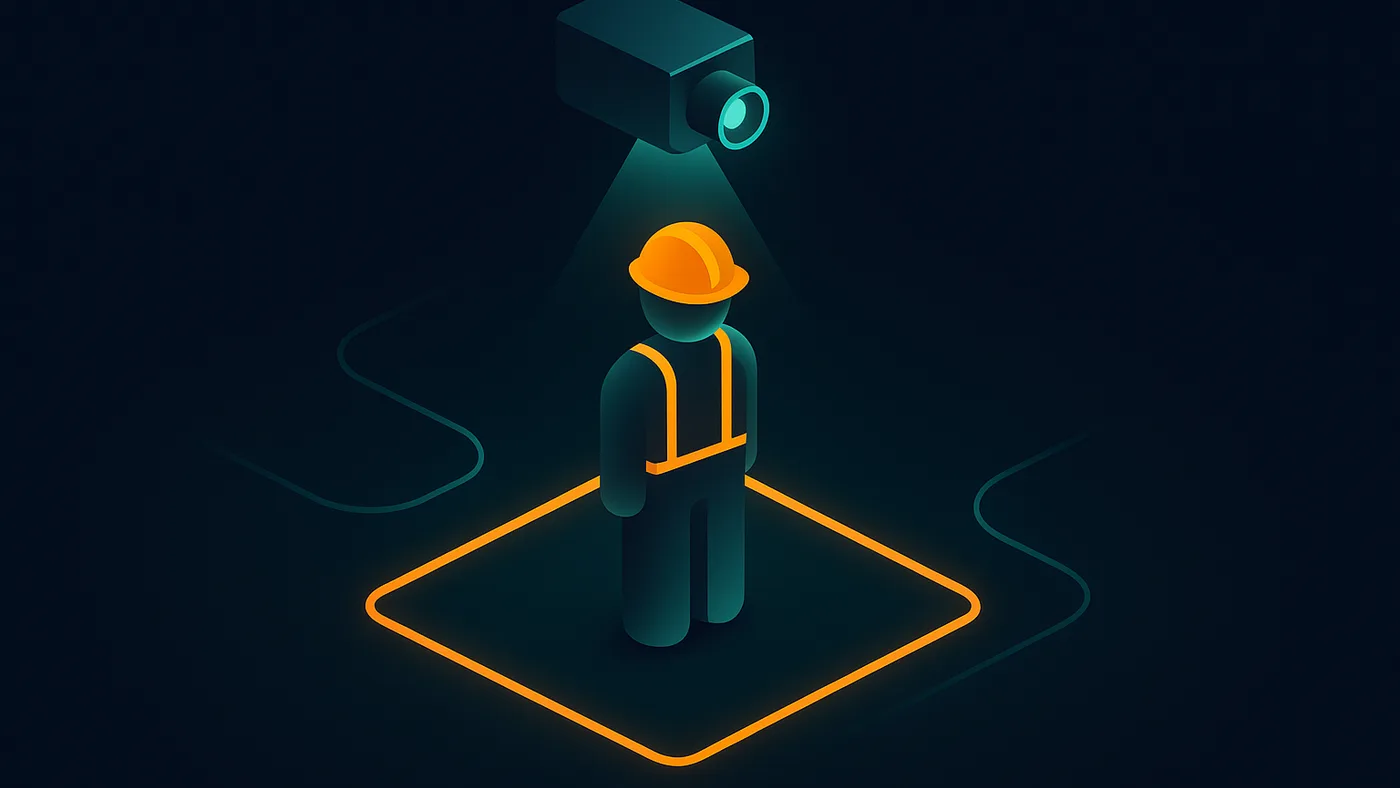
Safety monitoring. In a bay that does hot work all day, the model is built to tell ordinary process heat from a genuine ignition, so the alert goes out for the real thing and not the welder’s sparks. What that buys the plant is minutes gained on a fire, in a space where thermal readings alone can’t make that call — see AI safety monitoring for how this extends to PPE, guarded zones, and sanitary rules.
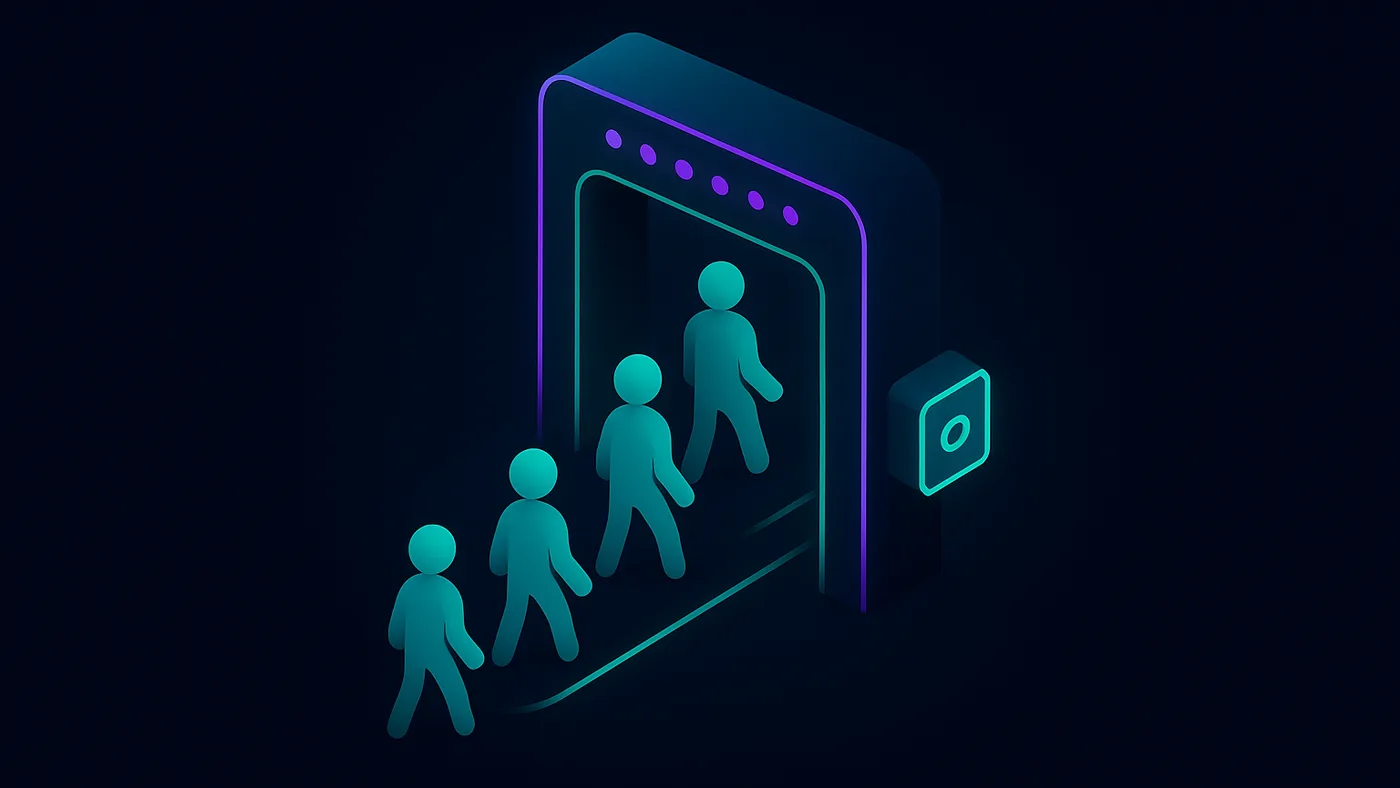
People counting. A posted limit on a work zone turns into an alert once the count exceeds it, and the same cameras keep a running record of which posts were staffed and for how long. A manager can read a shift’s staffing from that log instead of counting heads on site — see AI people counting for how this covers unattended posts and layout decisions too.
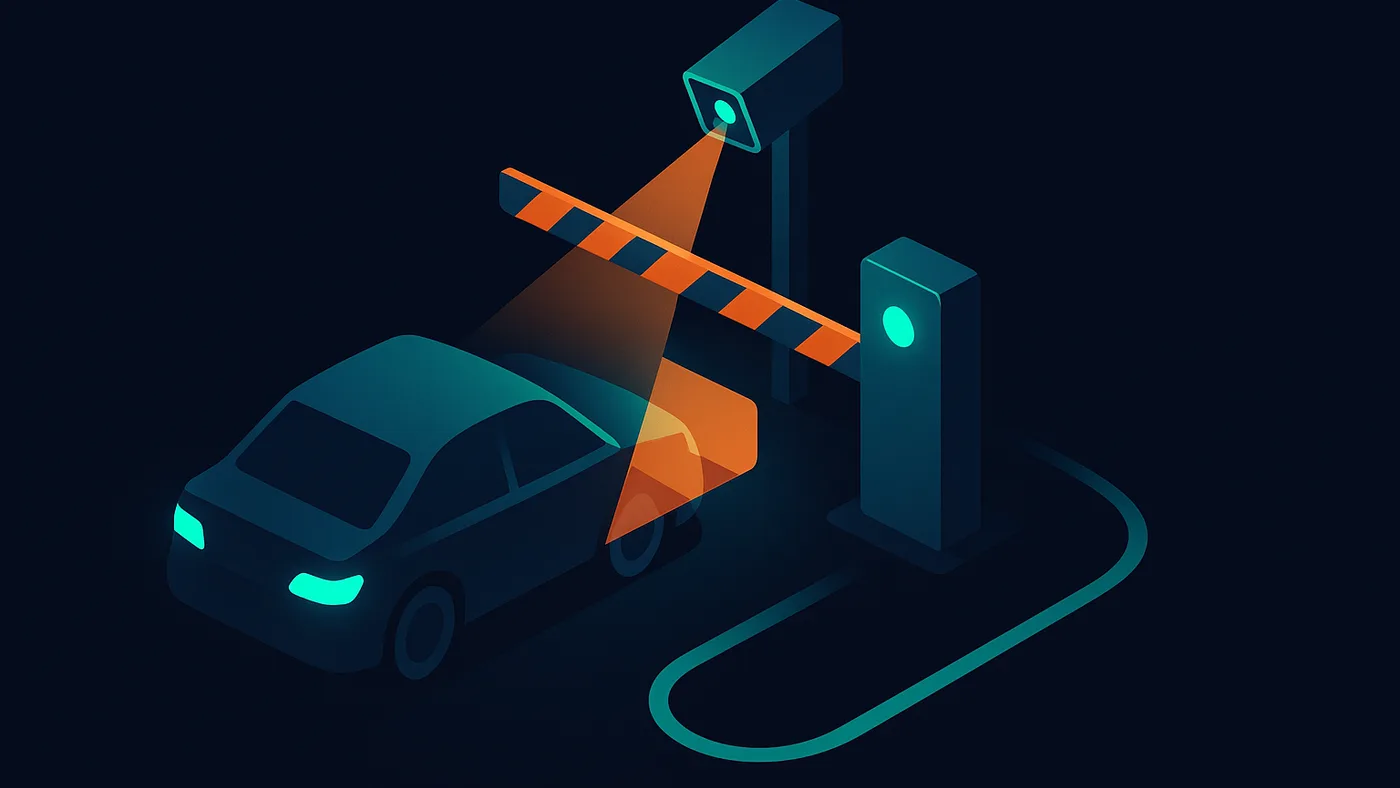
License plate recognition. A vehicle approaching a gate is checked today by a logbook or a guard working from memory. The system reads the plate instead and compares it with the list of permitted vehicles the site already keeps in its access-control or business software. A listed vehicle gets the barrier raised by an automatic signal, while anything unlisted waits at the barrier and is logged for the guard to check. Permitted deliveries stop backing up at the gate, and the guard’s day narrows down to the exceptions — see License plate recognition for how the same read ties into shipments and yard counts.
Equipment monitoring. Any machine spends its shift switching between setup, running, and standing still. When it stops, the camera’s view around it says why: an empty post, product piled up at a transfer point, a starved feed, or a guard swung open for a changeover. The system classifies that cause at the moment of the stop, notifies the responsible person, and sends it into whichever of MES, CMMS, or SCADA your team runs. The downtime total stops being one unexplained number and shows a cause against each classified stop — see AI equipment monitoring for setup-time tracking and wear detection on top of stop classification.
Product, cargo, and stock counting. Units move down a conveyor into cartons, cargo arrives at a loading zone, or raw material sits stacked in bags in a warehouse — and a carton can close with the wrong count, cargo in a zone can stop matching the accounting record, or a forklift driver can reach for the wrong bag in a stack. The system counts and cross-checks against the record in real time, flags the mismatch, and can warn the forklift driver before the pick is completed. Stock and shipment records stay current without a manual recount, and the wrong material can be stopped before it reaches the line.
How the pilot works
Every AI video analytics area above runs through the same pilot before any rollout. It starts on footage from your own cameras, or the CCTV and RTSP streams already in place, so there’s no requirement to change equipment you already have. Before the pilot begins, we agree on the event set to detect, a control sample to validate against, the allowed miss and false-positive rates, the target latency, and the notification format you need. Run on-premises, only events and short clips leave the site; run in the cloud, the streams you choose are processed there and the same events come back into your systems. Once the pilot clears the agreed thresholds, we confirm the integration before rollout: alerts routed to a messenger or dashboard, and events sent into MES, ERP, WMS, CMMS, SCADA, or access control, whichever your team already relies on. Where a machine already has sensors, the camera can confirm what a sensor alarm claims before it wakes anyone up. The path end to end: scoping, a pilot measured against the agreed thresholds, confirmed integration, then a full rollout with documentation.
The problem we solve
Manufacturers already run cameras across production lines, safety zones, entry points, and yards, but the footage mostly goes unused. Turning that video into consistent inspection, safety, counting, or monitoring signal usually means stitching together several point tools or waiting on a team that never gets around to it.
How we work
- Discovery.We review your cameras, production lines, safety zones, and the manufacturing outcome you need, and confirm what data and camera access is realistic, including whether your existing CCTV can be used.
- Scope.We match your outcome to the right application areas and scope a pilot with agreed acceptance criteria for each one involved.
- Delivery.The agreed capability is piloted on your own footage, in a cloud or on-premises setup, connected to your existing camera and network infrastructure. Confirmed events then get wired into the systems you already run, with that integration confirmed before the wider rollout.
- Support.We hand over documentation and a monitoring checklist, then stay available to retune the setup when cameras, lines, or production conditions change.
What you bring / what you get
Inputs
- Sample footage, or access to the video feeds and CCTV already in place, for a pilot
- Camera and network inventory across the relevant areas
- The manufacturing outcome you need: inspection, safety, counting, plates, or equipment status
Outputs
- The piloted capability for each application area in scope, matched to your outcome
- Detection or monitoring output plus the pilot's notes on edge cases
- Documentation and a monitoring checklist
Definition of done.A video analytics capability piloted on footage from your own cameras against an agreed event set and acceptance thresholds — control sample, allowed miss and false-positive rates, latency, and notification format — with the integration confirmed, then moved to a full rollout in which the confirmed events feed your own systems, with documentation and a monitoring checklist handed over.
Fit and anti-fit
Good fit
- Manufacturers with existing camera coverage on lines, safety zones, or yards
- Teams with one specific outcome in mind rather than a general interest in cameras
- Buyers who need a working capability delivered, not just advice
Not a fit
- Facilities with no camera coverage and no plan to add it
- Idea-only requests with no defined outcome or environment
- Micro-budgets with no real scope
Questions
- What does AI video analytics from acty.dev cover?
- Six application areas piloted on your own footage: visual inspection, safety monitoring, people counting, license plate recognition, equipment monitoring, and counting product, cargo, and stock on the floor and in the warehouse. Each area is scoped to the outcome you need.
- Do we need new cameras to get started?
- Not necessarily. A task review covers your existing camera and network infrastructure first, and identifies any coverage gaps before anything is scoped or priced.
- How does the pilot work across these application areas?
- Each application area gets its own event set and control sample, but all six run through the same shared pilot process described above, from scoping through to a confirmed rollout.
- What happens automatically once an event is confirmed?
- Whoever is on duty gets the clip and the alert on the channel they already watch, and the event itself lands in a system such as your MES or SCADA — a matched plate can open a barrier, and a controller signal can divert or pause a line. Uncertain or low-confidence results can be routed to a person for a decision.
- What if our cameras don't cover every area we want watched?
- Coverage gaps get identified during the task review before anything is scoped. Where a gap needs a camera, we say which view it must give; the model and mounting are chosen with your team.
- Can the same cameras take on a second task later?
- Yes. A second or third detection task can usually be added to the cameras already in place, scoped and piloted separately from the first.
- How is this priced?
- Video analytics engagements are scoped after a task review of your cameras, production lines, and the outcome you need. Ongoing monitoring and support are scoped separately.
Explore
Have a process, dataset, or camera footage to work from?